What's New

Discover the latest features and improvements in Dina

19 Mar, 2026Version 3.4.5

Introducing Masking

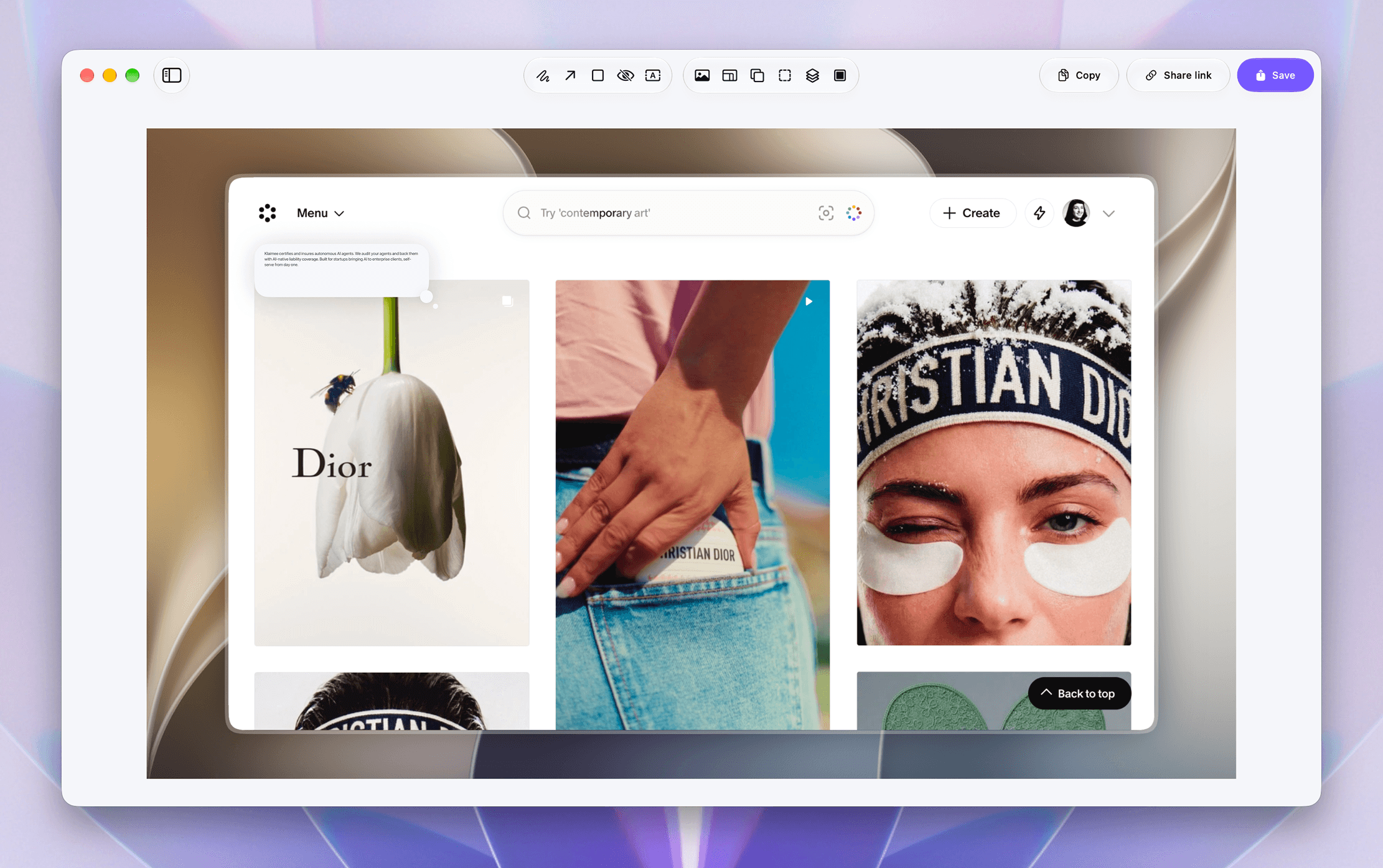
You can now easily hide sensitive information in your recordings using masking. Simply add a mask to any area of your video to blur or cover content you don't want to show. Masks can be positioned and adjusted directly in the editor, making it simple to protect private data, emails, or confidential details while keeping your videos clean and professional.

18 Mar, 2026Version 3.4.0

Typing Detection & Speed Suggestions

Dina can now automatically detect typing areas in your recordings and suggest speed adjustments to improve pacing. This makes it easier to speed through repetitive typing moments and keep your videos more engaging without manually finding and editing each section.

17 Mar, 2026Version 3.3.2

AI-Powered Transcription Editing

Introducing AI-powered transcription-based editing in Dina. Your recordings are automatically transcribed so you can edit your video directly from the text. Simply remove words, delete entire segments, or clean up filler phrases by editing the transcript. Dina can also detect silences and filler words, helping you refine recordings quickly while keeping everything perfectly synced with the timeline.

8 Mar, 2026Version 3.2.0

Scheduled Recordings

You can now schedule recordings in advance in Dina. Simply choose a start time and set the duration, and Dina will automatically begin recording at the scheduled moment. Once the recording is complete, Dina will stop and export the final video automatically.

5 Mar, 2026Version 3.1.0

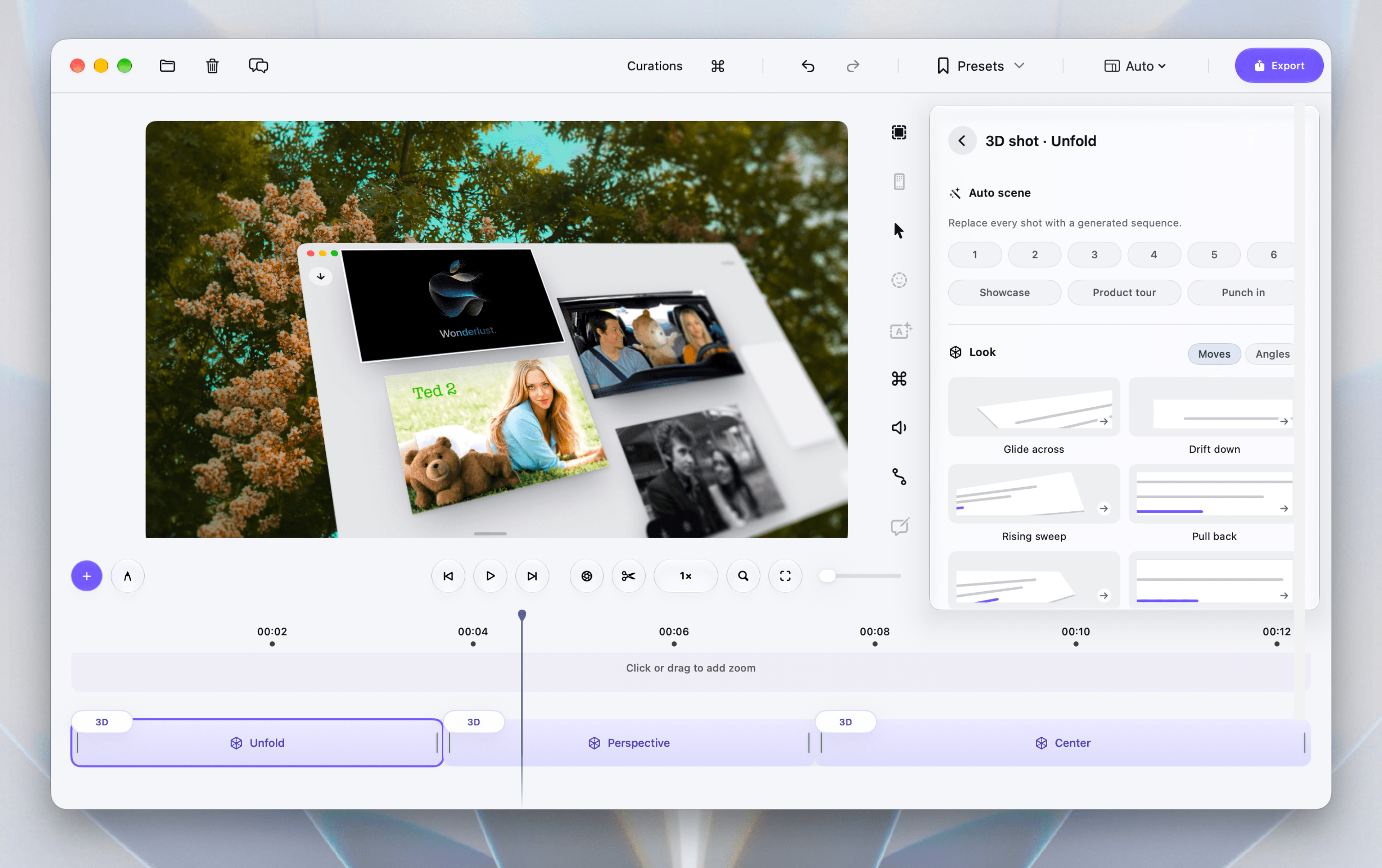
Improved Timeline Controls

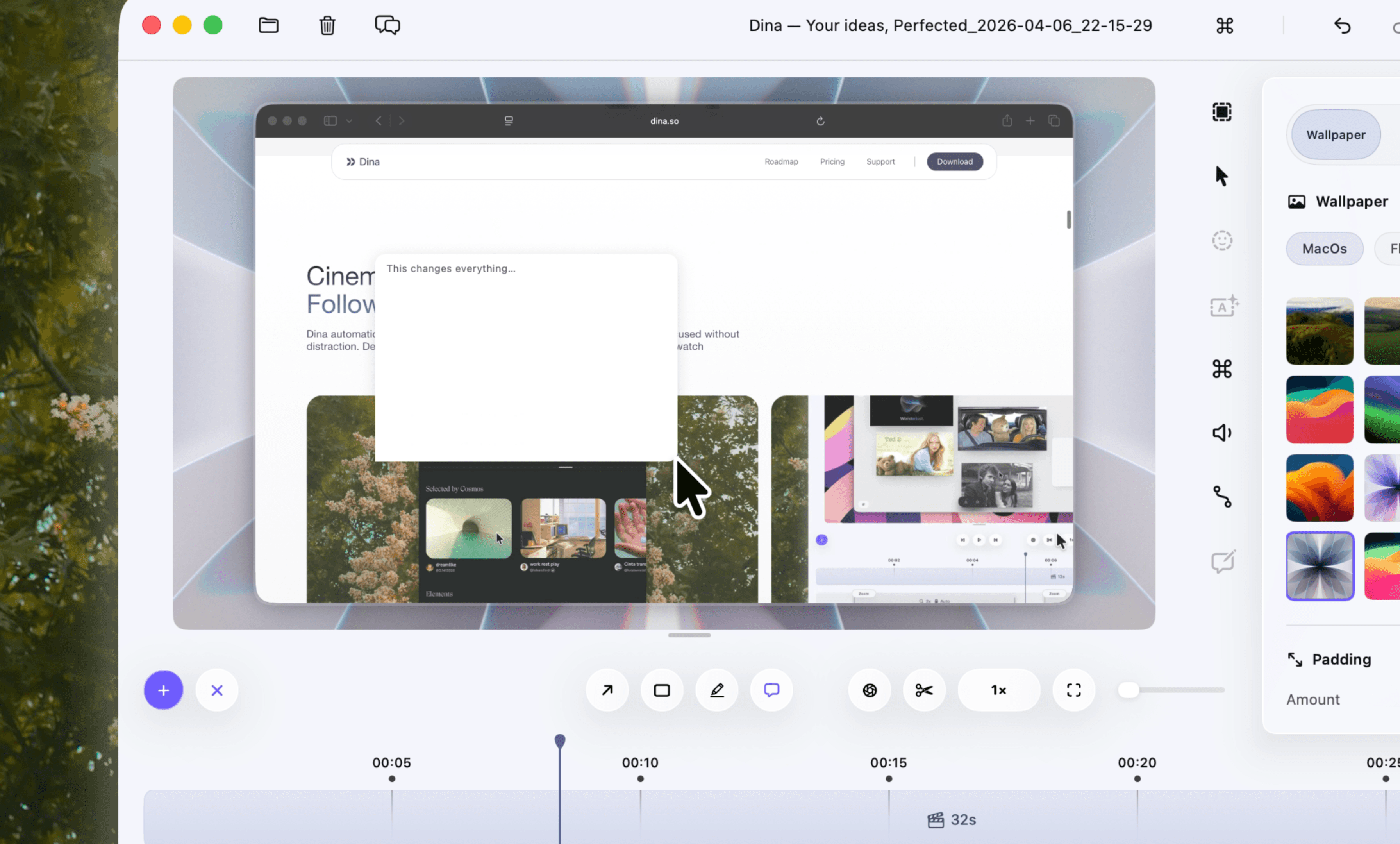
Editing in Dina is now faster and more flexible. You can now increase or decrease the timeline playback speed, making it easier to review edits at your preferred pace. Tracks can also be configured quickly with a simple right-click. New keyboard shortcuts have also been added for adjusting zoom amount, clip speed, and timeline playback speed.

4 Mar, 2026Version 3.0.7

Pause & Resume Recording

You can now pause and resume while recording in Dina. This makes it easier to capture clean recordings without needing to restart or edit out long mistakes later. Simply pause when you need a moment, then continue recording seamlessly.

2 Mar, 2026Version 3.0.4

Native Resolution & Layer Exports

You can now export videos in their original recording resolution, preserving the exact clarity and sharpness of your screen. Dina also introduces new 4K high-quality export options. This update also adds the ability to export individual layers separately — export your cursor as a transparent layer, or export your screen recording without the cursor entirely.

28 Feb, 2026Version 3.0.1

AI Voice Overs

You can now generate high-quality AI voice overs directly inside your project. Simply type your script, choose a voice, and Dina creates natural-sounding narration instantly — placed perfectly into your timeline and ready to edit.

20 Feb, 2026Version 2.10.1

Voice Overs, Built In

You can now record voice overs directly inside your existing projects. Simply open the microphone panel, hit record, and Dina places your narration straight into the timeline — perfectly synced and ready to edit. No exporting. No external tools.

12 Feb, 2026Version 2.9.8

Microphone Track Editing

You can now edit your microphone track separately from system audio. Adjust microphone speed independently, fine-tune volume levels, and apply smooth fade transitions for a more natural listening experience.

6 Feb, 2026Version 2.9.4

Customizable Keyboard Shortcuts

Dina now lets you control the editor entirely using your keyboard. Every shortcut is fully configurable, allowing you to remap key bindings to match your personal workflow and editing style.

2 Feb, 2026Version 2.8.8

System Audio Recording

Dina can now record system audio directly from your Mac, allowing you to capture app sounds, music, and in-app audio during screen recordings.